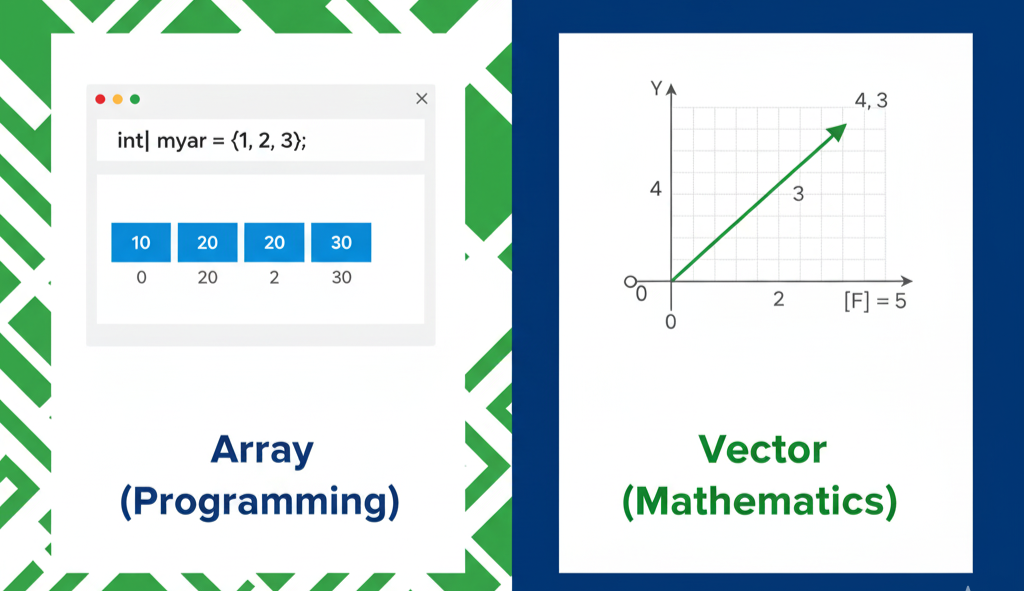
🤔 The Big Question Every Pakistani Student Asks!
Have you ever been confused in your computer class? Your teacher talks about 'arrays' but in Math class, you learned about 'vectors' with arrows and directions. Are they the same thing?
Here's the shocking truth: They are completely different! 😱
In this simple guide, I'll clear up this confusion once and for all. By the end, you'll never mix them up again - whether you're in Matric, Inter, O-Level, or A-Level!
📚 Let's Connect to Your Math Studies
What You Already Know from School:
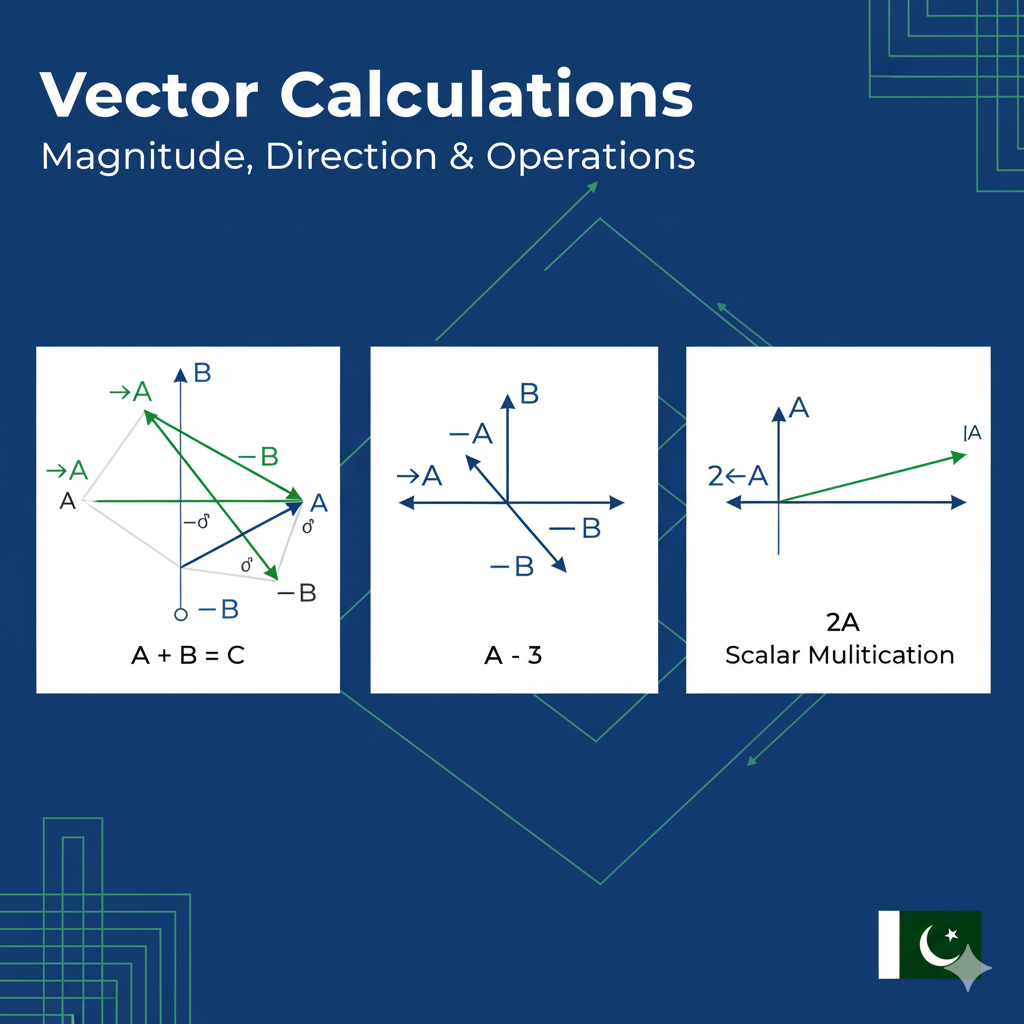
🎓 In Matric/Inter Math: • You drew vectors as arrows with length and direction • You learned about force vectors in Physics • You calculated vector addition like: a⃗ + b⃗ = c⃗ • You worked with matrices: [1 2; 3 4]
🎓 In O/A Level Math: • Vector notation: i⃗ and j⃗ unit vectors • Magnitude calculations: |v⃗| = √(x² + y²) • Dot products and cross products • 3D coordinate geometry
💻 Now in Computer Science: • You hear about 'arrays' for the first time • Teachers show: [1, 2, 3, 4] • It looks similar to vectors... but is it?
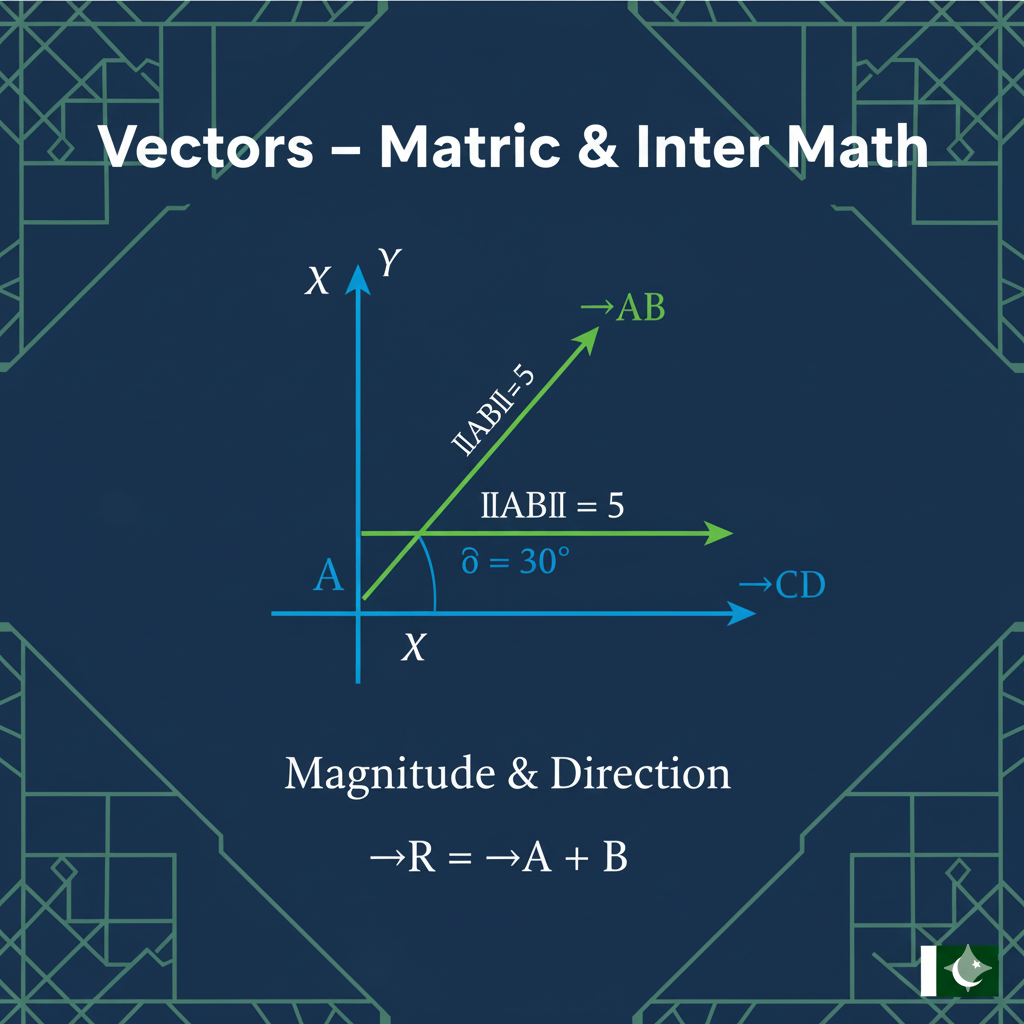
📐 Vector Definition (From Your Math Book)
What is a Vector in Mathematics?
A vector is exactly what you learned in your Matric/Inter/O/A Level Math!
Key Properties (You Already Know These!):
🎯 Magnitude (Size): • Length of the arrow • How big the force is • Distance you travel • Example: 5 meters, 10 Newtons
🧭 Direction: • Which way the arrow points • Angle from x-axis (like 30°, 45°) • North, South, East, West • Example: 30° above horizontal
🧮 Mathematical Operations: • Vector addition: a⃗ + b⃗ • Dot product: a⃗ · b⃗ • Cross product: a⃗ × b⃗ • Just like you learned in school!
Connection to Matrices:
Vectors are written like matrices: • Vector: [3, 4] ← 1×2 matrix • Matrix: [1 2; 3 4] ← 2×2 matrix • Same math rules apply!
💻 Array Definition (Computer Programming)
What is an Array in Programming?
An array is a completely different concept from Math vectors!
Key Properties (New for You!):
📦 Data Storage Only: • Like a list of items • No arrows, no direction
• No mathematical meaning • Just holds information
🔢 Index-Based Access: • First item: array[0] • Second item: array[1] • Third item: array[2] • Count starts from 0!
📝 Simple Examples: • Student names: ['Ahmed', 'Fatima', 'Ali'] • Test marks: [85, 92, 78, 96] • Pakistani cities: ['Karachi', 'Lahore', 'Islamabad']
No Math Operations!
Arrays can't do what vectors do: • No magnitude calculation • No direction • No dot products • Just store and retrieve data
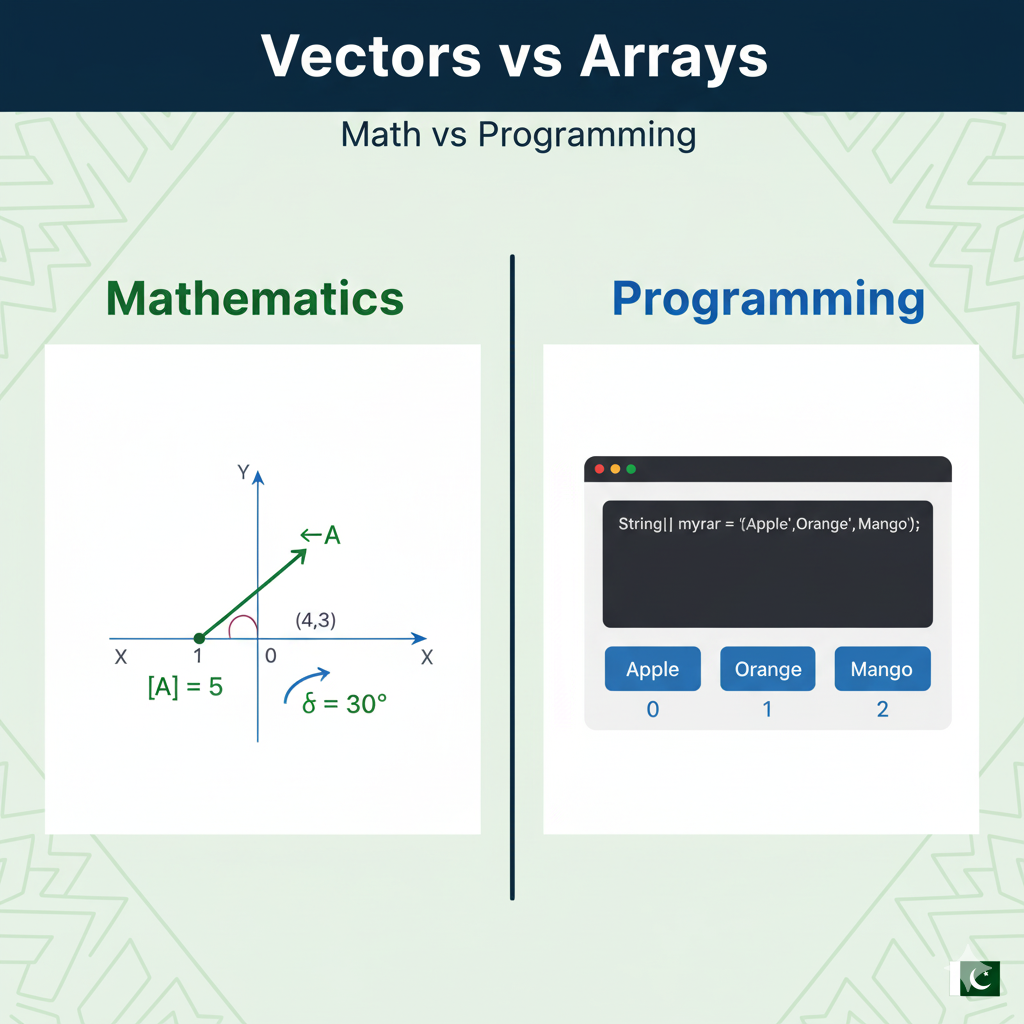
🔍 Array vs Vector: The Key Differences
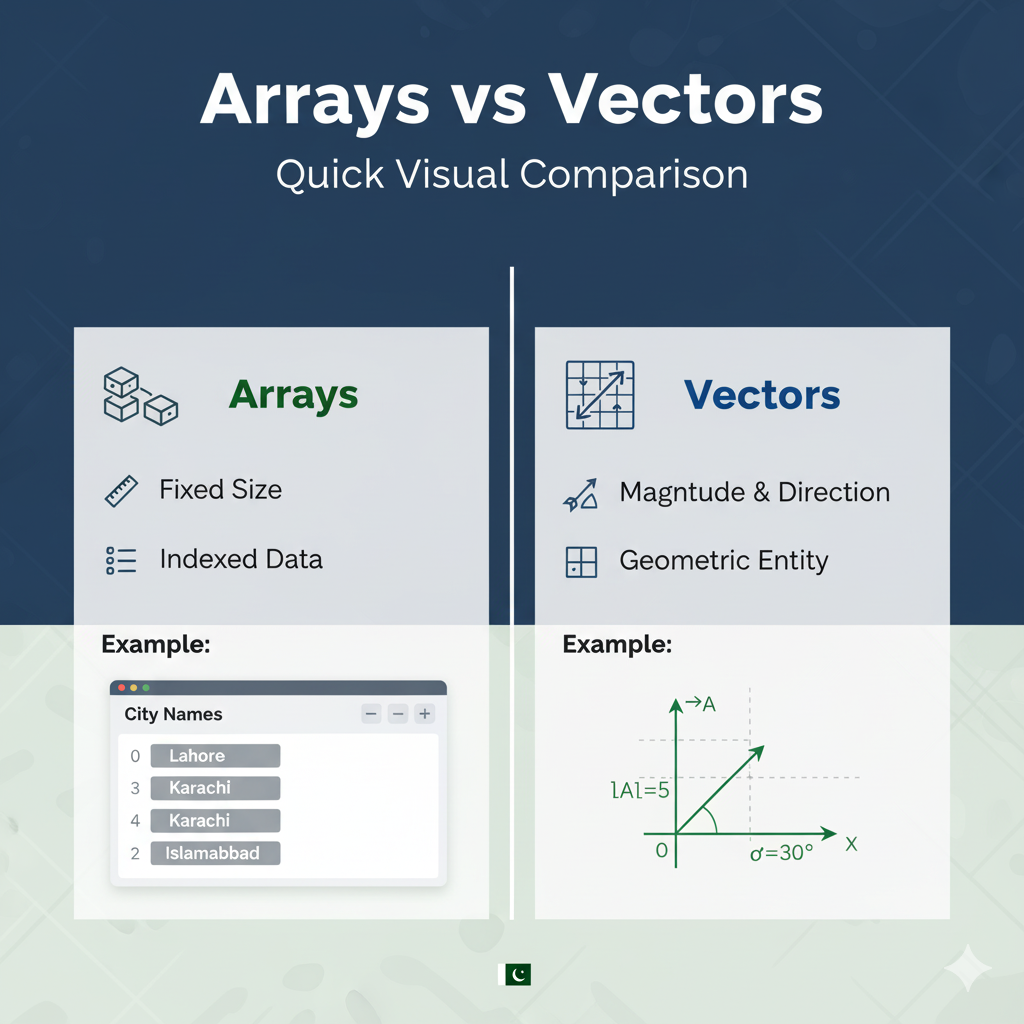
📐 Vectors (Math from School):
• ✅ Has direction → Like arrows pointing somewhere
• ✅ Has magnitude → Length you can measure
• ✅ Math operations → Addition, dot product, cross product
• ✅ Real-world meaning → Force, velocity, displacement
• ✅ From textbooks → Matric/Inter/O/A Level Math • 📊 Example: v⃗ = 3î + 4ĵ (3 right, 4 up) • 🧮 Formula: |v⃗| = √(3² + 4²) = 5 units
💻 Arrays (Computer Programming):
• ❌ No direction → Just stores data
• ❌ No magnitude → No length concept
• ❌ No math operations → Can't add like vectors
• ❌ No physics meaning → Just data storage • 🆕 New concept → Not from your Math books • 📋 Example: marks = [85, 92, 78, 96] • 🔍 Access: marks[0] = 85, marks[1] = 92
💡 Array Examples (Computer Lists)
Example 1: Class Test Marks
1
2
3
4
5
6
7
8
9
10
# Simple array storing marks
class_marks = [85, 92, 78, 96, 88]  # Just like writing names in your notebook
print(f"How many students: {len(class_marks)}")
print(f"First student mark: {class_marks[0]}")
print(f"Average mark: {sum(class_marks) / len(class_marks)}")

# Output (what you will see):
# How many students: 5
# First student mark: 85
# Average mark: 87.8
Example 2: City Names
1
2
3
4
5
6
7
8
# Array of Pakistani cities
cities = ["Karachi", "Lahore", "Islamabad", "Peshawar", "Quetta"]
print(f"Second city: {cities[1]}")
print(f"Last city: {cities[-1]}")

# Output:
# Second city: Lahore
# Last city: Quetta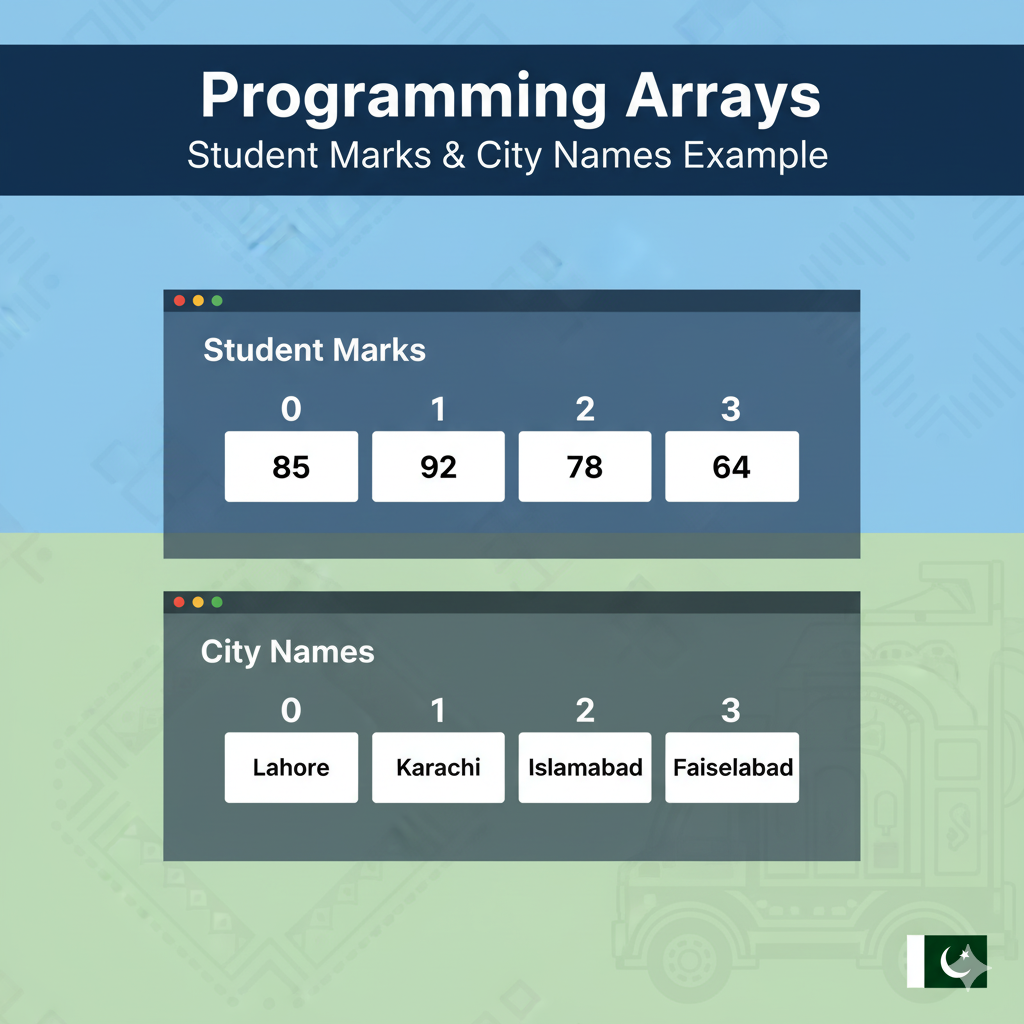
⚡ Vector Examples (Math with Arrows)
Example 1: Playing with Math Vectors (like Matrices)
1
2
3
4
5
6
7
8
9
10
11
12
13
14
15
16
17
18
19
import numpy as np
import math

# Create vectors (just like you write matrices in Math!)
# Think of [3, 4] as a matrix with 1 row and 2 columns
force1 = np.array([3, 4])  # 3 steps right, 4 steps up (like coordinates)
force2 = np.array([1, 2])  # 1 step right, 2 steps up

# Vector Addition (like adding matrices!)
total_force = force1 + force2
print(f"Total force: {total_force}")  # [4, 6]

# Calculate arrow length (like finding distance in geometry)
length = np.linalg.norm(force1)  # This uses √(3² + 4²) = √25 = 5
print(f"Arrow length: {length:.0f} units")  # 5 units

# Find direction (which way the arrow points)
angle = math.degrees(math.atan2(force1[1], force1[0]))
print(f"Arrow points at: {angle:.1f} degrees")  # 53.1°
Example 2: 3D Vector (Physics Style)
1
2
3
4
5
6
7
8
9
10
11
12
13
14
15
# 3D velocity vector
velocity = np.array([10, 15, 5])  # m/s in x, y, z directions

# Speed (magnitude of velocity)
speed = np.linalg.norm(velocity)
print(f"Speed: {speed:.2f} m/s")  # 18.71 m/s

# Unit vector (direction only)
unit_vector = velocity / speed
print(f"Direction vector: {unit_vector}")

# Dot product with another vector
displacement = np.array([2, 3, 1])
work_done = np.dot(velocity, displacement)
print(f"Work done: {work_done} J")  # 60 J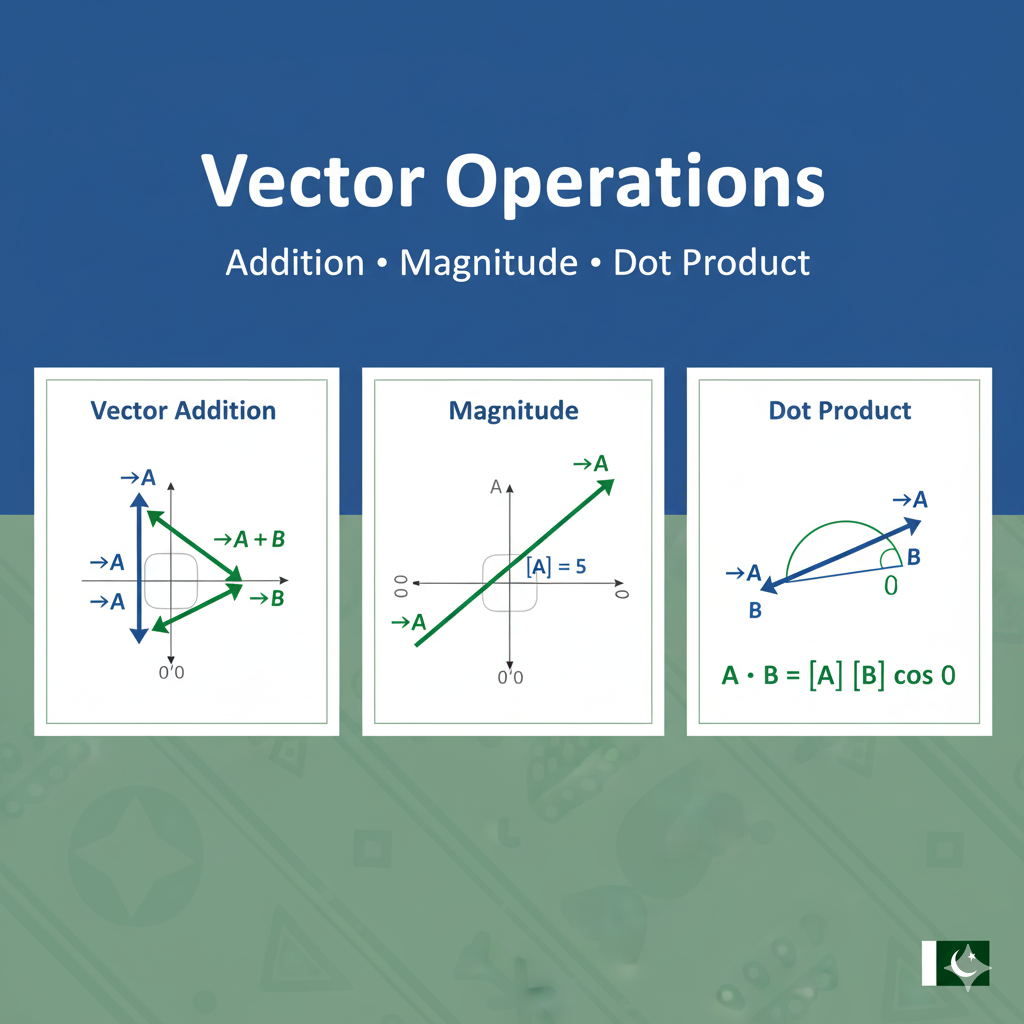
🎯 More Practical Examples
Game Development Example
1
2
3
4
5
6
7
8
9
10
11
12
13
14
15
16
17
18
19
# In a 2D game
# Array for storing player scores
player_scores = [1500, 2300, 800, 4200, 1100]

# Vector for player position and movement
player_position = np.array([100, 50])  # x, y coordinates
movement_velocity = np.array([5, -3])   # moving right and up

# Update position using vector addition
new_position = player_position + movement_velocity
print(f"New position: {new_position}")  # [105, 47]

# Check if player is moving
if np.linalg.norm(movement_velocity) > 0:
    print("Player is moving!")

# Array operations vs Vector operations
print(f"Highest score: {max(player_scores)}")  # Array operation
print(f"Movement speed: {np.linalg.norm(movement_velocity):.2f}")  # Vector operation
Machine Learning Example
1
2
3
4
5
6
7
8
9
10
11
12
13
# Feature array (just data storage)
student_features = ["age", "height", "weight", "grade"]

# Feature vectors (mathematical operations)
student1 = np.array([18, 175, 65, 85])  # age, height(cm), weight(kg), grade
student2 = np.array([19, 180, 70, 90])

# Calculate similarity using dot product (vector operation)
similarity = np.dot(student1, student2) / (np.linalg.norm(student1) * np.linalg.norm(student2))
print(f"Student similarity: {similarity:.3f}")

# Arrays can't do this mathematical comparison
# But vectors can calculate distances, similarities, etc.
📊 Easy Comparison Tables
Table 1: What They Do
Arrays (Computer Lists): • 📝 Store things (like your toy collection) • 💻 Used in computer programming
• ❌ No arrows or direction
• ❌ No size like Math vectors • 📋 Example: ["Ahmed", "Sara", "Ali"] • 🔍 Find things by counting: 1st, 2nd, 3rd...
Vectors (Math Arrows): • 🧮 Do Math calculations • 📐 Used in Math and Science • ✅ Has direction (like arrows) • ✅ Has size (how long the arrow is) • 📊 Example: [3, 4] means 3 right, 4 up • 🎯 Use x and y parts (like in matrices)
Table 2: What You Can Do With Them
Array Operations:
• ➕ Adding: Join two lists together
• ✖️ Math: Can't do real Math operations • 📏 Length: Count how many things are inside • 🌍 Real use: Just for storing data • 📋 Example: [1,2] + [3,4] = [1,2,3,4]
Vector Operations (like Matrices in Math):
• ➕ Adding: Real Math addition (like matrix addition!)
• ✖️ Multiply: Special Math operations (dot product) • 📏 Length: Calculate arrow size using √(x² + y²) • 🌍 Real use: Represents real things (force, speed) • 📊 Example: [1,2] + [3,4] = [4,6] (Math addition!)
Table 3: Where We Use Them
Arrays (Computer Lists) are used for:
• 🌐 Websites: Store user names, menu items
• 🎮 Games: Store level names, picture files
• 🤖 Smart computers: Store data categories
• 🔬 Science: Store experiment names
• 📊 Data work: Store labels and categories
Vectors (Math Arrows) are used for:
• 🌐 Websites: Not used much
• 🎮 Games: Move characters, physics (like throwing balls)
• 🤖 Smart computers: Do Math calculations
• 🔬 Science: Calculate forces, speeds, positions
• 📊 Data work: Transform data using Math (like matrices!)
Table 4: Which is Easier to Use?
Arrays (Computer Lists):
• 💾 Memory: Uses less computer memory
• ⚡ Speed: Fast for storing and finding data
• 📚 Learning: Very easy to learn
• 🎯 Best for: Simple data storage (like contact lists)
• 🛠️ Tools needed: Nothing extra, built into Python
Vectors (Math Arrows):
• 💾 Memory: Uses more computer memory
• ⚡ Speed: Very fast for Math calculations
• 📚 Learning: Need to know some Math (matrices help!)
• 🎯 Best for: Math and Science work • 🛠️ Tools needed: Special libraries (NumPy)
🎓 When Should You Use Each One?
Use Arrays (Lists) When You Want To Store:
• 📝 Your classmates' names
• 🛒 Things you want to buy
• 📱 Apps on your phone
• 📊 Answers to questions
• 🎵 Your favorite songs
• 📚 List of books you read
Use Vectors (Math Arrows) When You Need To:
• 🎮 Move game characters (like matrices in Math!)
• 🧠 Do smart computer calculations
• 📐 Build and design things
• 🚀 Make 3D animations
• 🔬 Solve Science and Math problems
• 📊 Work with Math matrices and equations
So next time someone says:
“Array aur Vector same cheez hain?”
You can confidently reply:
📌 Nahi! Array programming ka data structure hai — Vector Math ki cheez hai! 😄
🧪 Hands-On Exercise
Try this code to see the difference yourself:
1
2
3
4
5
6
7
8
9
10
11
12
13
14
15
16
17
18
19
20
21
22
# Array example: Pakistani cricket team scores
team_scores = [285, 320, 275, 310, 295]
print("Array Operations:")
print(f"Matches played: {len(team_scores)}")
print(f"Highest score: {max(team_scores)}")
print(f"Average score: {sum(team_scores) / len(team_scores)}")

print("\n" + "="*40)

# Vector example: Cricket ball trajectory
import numpy as np
initial_velocity = np.array([25, 15])  # 25 m/s horizontal, 15 m/s vertical
gravity_effect = np.array([0, -9.8])   # gravity pulls down

print("Vector Operations:")
print(f"Initial speed: {np.linalg.norm(initial_velocity):.1f} m/s")
print(f"Launch angle: {np.degrees(np.arctan2(initial_velocity[1], initial_velocity[0])):.1f}°")

# After 1 second
velocity_after_1s = initial_velocity + gravity_effect
print(f"Velocity after 1s: {velocity_after_1s}")
print(f"Speed after 1s: {np.linalg.norm(velocity_after_1s):.1f} m/s")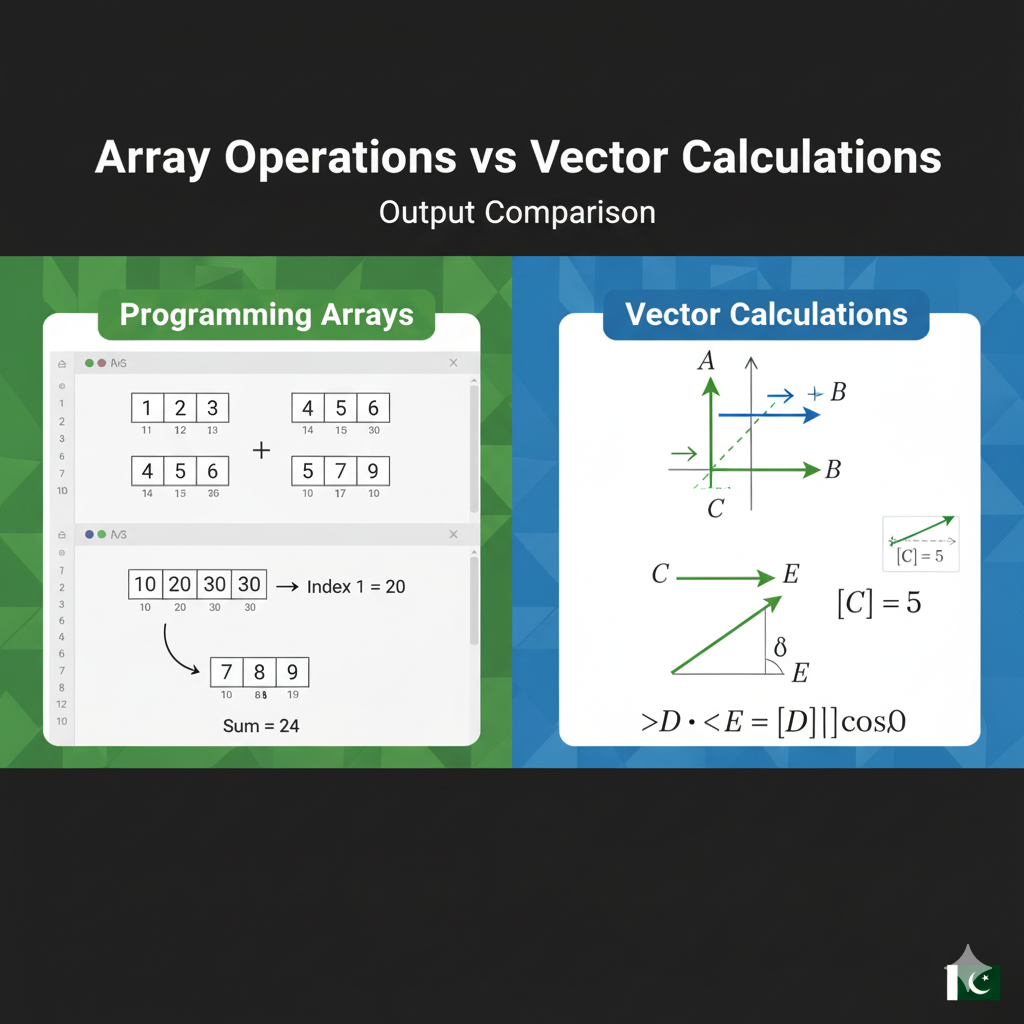
🎯 Remember These Important Things!
1. Easy Way to Remember:
Array (Computer List): • Like your contact list on phone • Just stores things • No Math, no arrows
Vector (Math Arrow): • Like arrows in your Math book • Has direction and size • Used for Math (like matrices!)
2. Quick Question Game:
• Want to store your friends' names? → Use Array • Want to show force direction? → Use Vector • Want to do matrix Math? → Use Vector
3. In Urdu (اردو میں):
• Array: Cheezain rakhne ke liye (چیزیں رکھنے کے لیے) • Vector: Math aur matrices ke liye (میتھ اور میٹرکسز کے لیے)
🚀 What's Next?
Now you know the difference! But don't stop here:
📚 For Matric/Inter Students:
- Practice Arrays: Build a simple todo list app
- Explore Vectors: Try creating a simple 2D game
- Learn NumPy: It's the most popular vector library in Python
- Study Linear Algebra: Understand the math behind vectors (useful for Engineering!)
🎯 Pakistani Context Quick Tips:
• For CS Students: Focus more on Arrays (data structures) • For Physics/Engineering Students: Master Vectors (essential for mechanics) • For Math Lovers: Learn both! They connect beautifully
Remember: Arrays store your data, Vectors power your calculations! 🧠⚡
Got questions about Arrays or Vectors? Drop a comment below! I read every single one and reply with detailed explanations.
Authored by Zeeshan Ali — Software Engineer & Tech Educator who believes in making complex concepts simple for Pakistani students.